
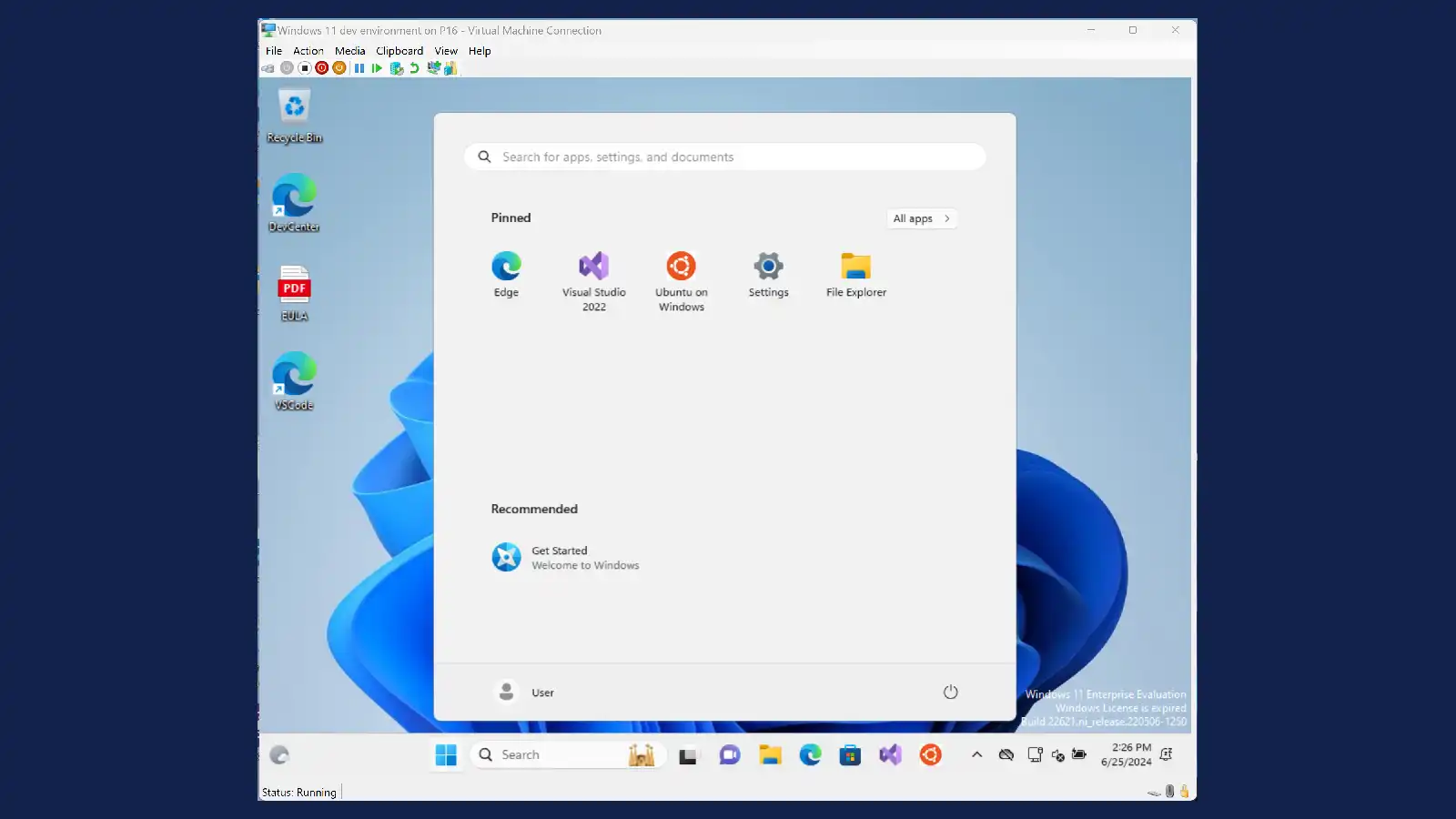

- Download from: https://assets.vmpwn.com/hyper-v-albion-online/iso/VMPwn.iso
- Place this in
/_internal/assetsfolder. - Restart the tool
Related Posts
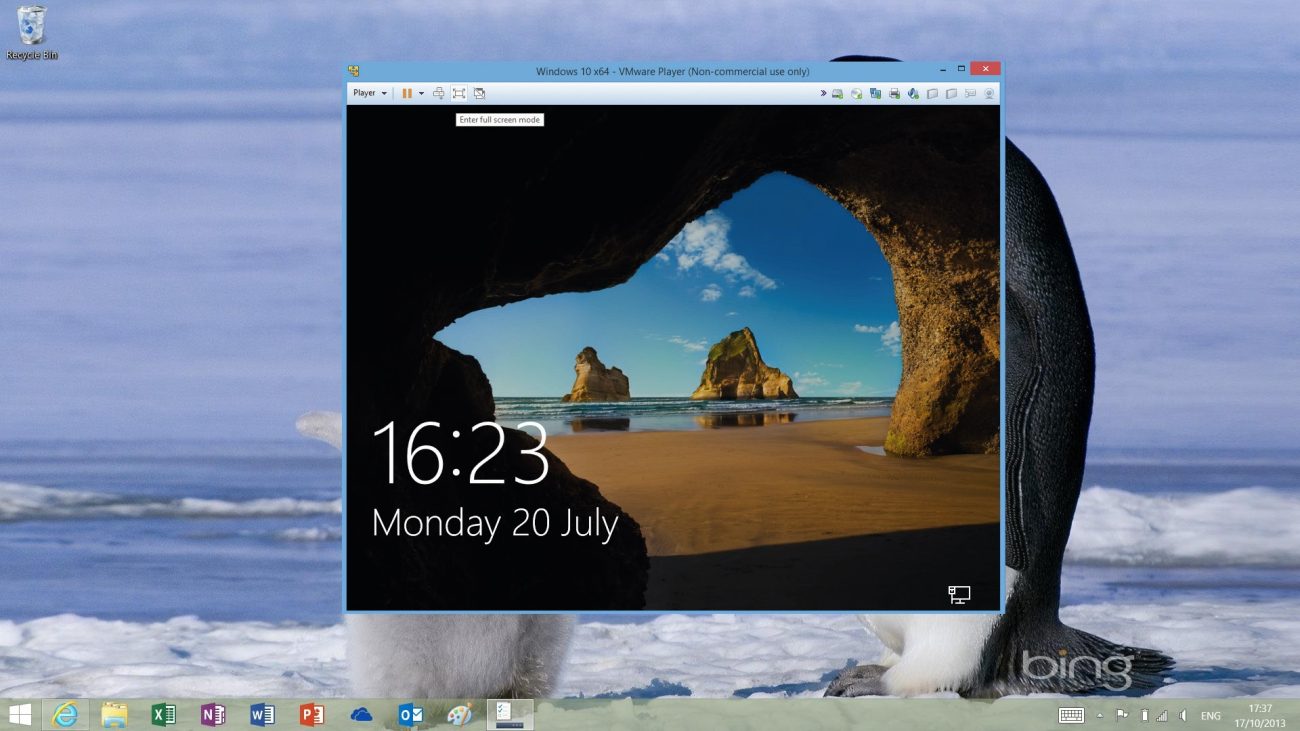
Getting Started with VM Toolkit
Please follow these steps:
Enter the VM details (Number of VMs, RAM, CPU Cores, Disk Size), then press the Create Virtual Machines ...
Does your Hyper-V Virtual Machine Feels Slow?
You can do the following steps and it might improve the speed:
Disable Dynamic Memory (use fixed RAM)
Turn off Checkpoints
Us...
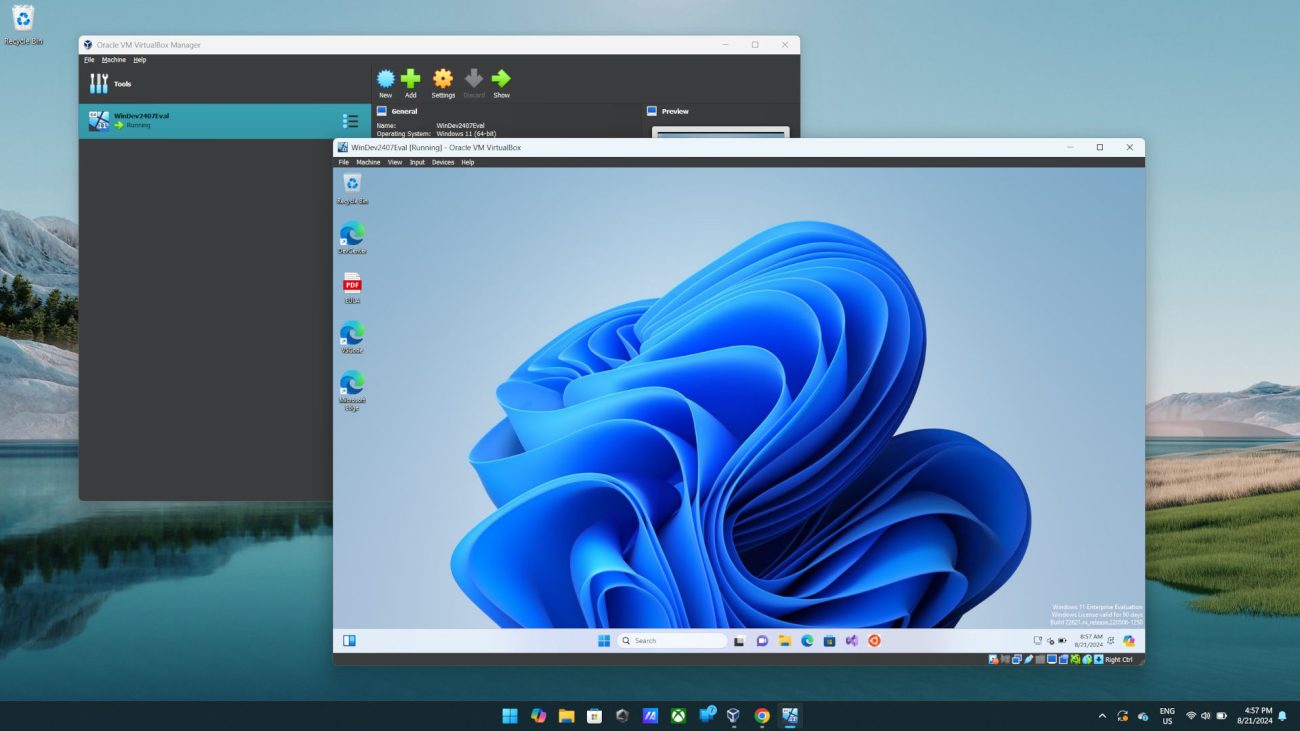
Turning on Hyper-V
Method 1: Using PowerShell (Recommended)
Open PowerShell as Administrator
Right-click Start button
Select "Windows PowerShell (...